Appearance
Javascript / Typescript
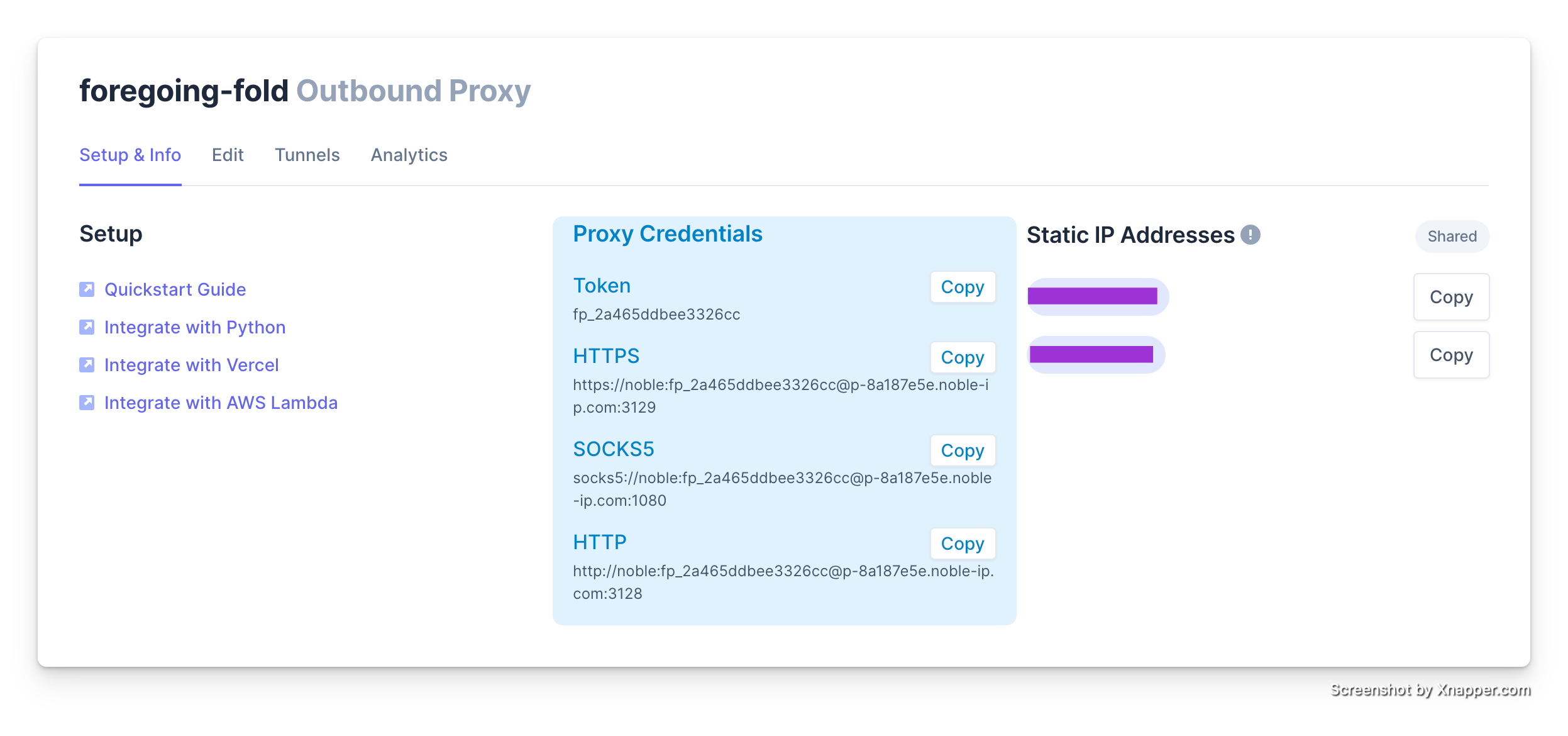
You will first need your Proxy Credentials so make sure you can find them in the dashboard
Making Proxied TCP Connections
Port Leases
If your software does not natively support SOCKS proxies, one option you have is to leverage Noble Port leases. For example if you wanted to connect to a MongoDB database:
javascript
import { MongoClient } from "mongodb";

async function createLease() {
  const leaseParams = {
    target_host: "mongodb.mycompany.com",
    target_port: 27017,
    proxy_token: "fp_PROXYTOKEN",
  };

  const response = await fetch("https://api.noble-ip.com/v1/leases", {
    method: "POST",
    headers: {
      "Content-Type": "application/json",
    },
    body: JSON.stringify(leaseParams),
  });

  const lease = await response.json();
  return lease;
}

async function connectToMongoDB() {
  const lease = await createLease();

  // Connect to the MongoDB server
  const client = new MongoClient(`mongodb://${lease.hostname}:${lease.port}/`);

  // Access a specific database
  const db = client.db("mydatabase");

  // Perform database operations here

  // Close the database connection
  client.close();
}

connectToMongoDB().catch(console.error);
Making Proxied HTTP/HTTPs Requests
if you need to access a service over HTTP via a static IP, you can leverage the HTTPS proxies.
Then you can leverage a HTTP library like requests to make API calls:
javascript
import fetch from "node-fetch";
import { HttpProxyAgent } from "hpagent";
const { HttpProxyAgent } = require("hpagent");
const response = await fetch("https://example.com", {
  agent: new HttpProxyAgent({
    keepAlive: true,
    proxy: "https://noble:fp_NOBLETOKEN@p-12345.noble-ip.com:3129",
  }),
});